 English
 العربية
Ways to share
One profile.Every way to share.
Your Qshot digital presence is always ready to share — wherever you are and however you want to connect.
The idea
Many doorways.One destination.
Every method below opens the same Qshot profile. You keep one presence and update it once — the way people reach it is simply their choice.
LinkQR codeNFCWalletApple WatchMetal CardOffline card
 Qshotyour digital presence
Link
QR codeNFC
WalletApple Watch
Metal CardOffline card
Qshotyour digital presenceDirect link
One link isall you need.
Every Qshot presence gets its own address — yourname.qshot.com — and you can connect your own domain instead. Share it in a message, an email, a social bio, on LinkedIn, or wherever you connect with people.
- Copy link
- Send
- Your profile
Your Websiteyourname.qshot.comShareQR CodeAnalyticsMessages
General
Website Name
Website URL
Save as contact
Index in Google
Write NFC
Activate Card
- Message
- Social bio
- Custom domain
QR code
Scanand connect.
Your Qshot QR code gives people a fast way to open your digital profile — on your phone's home-screen widget, on printed material, on a screen, or on your Metal Card.
- QR
- Scan
- Your profile
QR Code
Your Websiteyourname.qshot.com
Share Offline
Have someone point their camera at this QR code to share your card
Add to Apple Wallet
Actions
Share
Customize QR Code
Copy Card Link
Save QR Code to photos
NFC
One tap isall it takes.
Hold the card near a phone and your Qshot profile opens. Nothing to install, nothing to type.
- NFC
- Phone
- Your profile
QshotYour nameWhat you do, in one lineSave Contact
Book a callOur services
Powered ByAdd to Wallet
Keep your identityclose.
Add your Qshot presence to Apple Wallet or Google Wallet and it sits with the cards you already carry — ready the moment you need it.
- Qshot
- Add to Wallet
- Your phone
QshotPassDigital presenceYour Website
yourname.qshot.comAdd to Apple Walleton iPhoneAdd to Google Walleton Android
Apple Watch
Your profile.On your wrist.
Your Qshot pass lives in Apple Wallet, and Wallet passes carry over to a paired Apple Watch — so at an event you raise your wrist instead of reaching for your phone or your card.
- Apple Watch
- Show the code
- Your profile
Wallet
QshotQshotQshotMetal Card
Make itphysical.
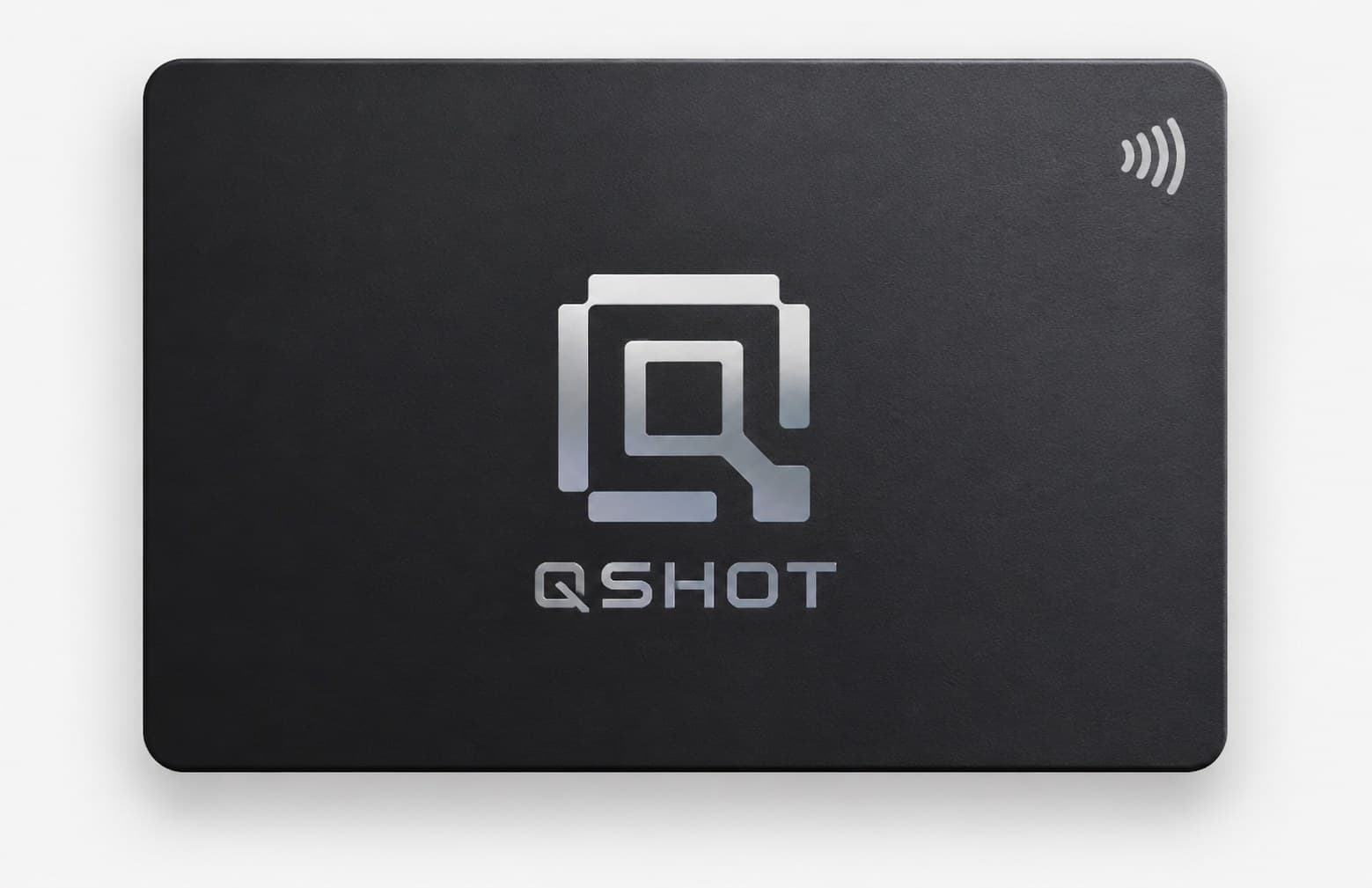
The Qshot Metal Card gives your digital presence a premium physical form — NFC inside, a printed QR on the back, and the same profile behind both.
- Metal Card
- Tap or scan
- Your profile
Offline sharing
Still connectedwith no signal.
Turn on Share Offline in the app and your QR carries a contact card instead of a link — name, phone, email and your links save straight into their phone, no connection needed on either side.Your full Qshot profile still lives online; offline sharing passes on your essential contact details.
- Your phone
- Contact card
- Saved contact
Your Websiteyourname.qshot.com
Share Offline
New contact
Your nameYour company
- Phone
- Links
One profile. Many ways.
However you share it,it comes back to one place.
Qshot is the destination. Link, QR, NFC, Wallet, Watch, Metal Card and offline contact sharing are simply the entry points.
LinkQR codeNFCWalletApple WatchMetal CardOffline card
Qshotyour digital presenceYour digital presence
Link
QR codeNFC
WalletApple Watch
Metal CardOffline card
Qshotyour digital presenceYour digital presence
Get started
Your presence isready to share.
Create your Qshot digital presence in the app and share it wherever you go.